June release: Enhanced tabs, office content in Storybook style, and copy + paste camera settings ...
Hey folks! Can you believe we’re halfway through June (and the year!) already? 😮💨
Anyhow, we hope you’re having a great week. Today is release day for us and though today’s notes is light, it won’t be long until the next one (and the next one is quite special 😉).
Let’s dive in ⬇️
Navigate the Content Library with Enhanced Tabs
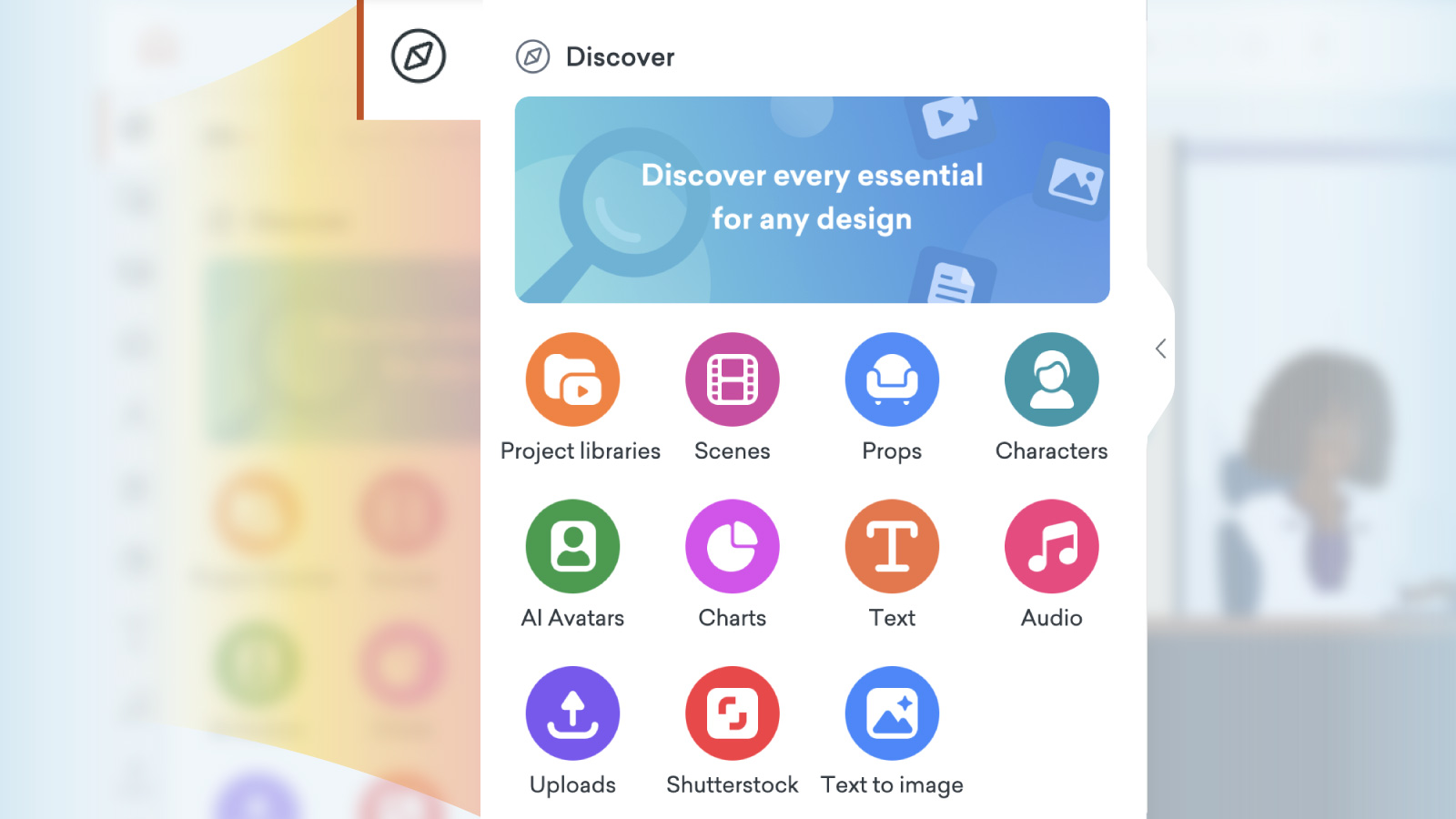
We’ve upgraded the Discover and the tabs in Vyond Studio content library, to make finding the right assets faster and easier.
Here’s what’s new
Discover tab has easy-to-spot icons.
Breadcrumb navigation makes it easier to find where you are in the content panel.
Search results are independent to each tab, so your search in props is for props, your search for characters is in characters, and so on.
Search results stay locked to each tab, which makes it easier to come back and find the same items later.
Improved tab visibility for easier switching between sections.
Small banners removed for faster browsing.
Office Content in Storybook Style
We’ve added office-related scenes, props, and backgrounds in Storybook style to the Studio content library. While previously, these were only available in the Template Library, now you can find them right inside the Studio for a smoother, more efficient workflow to build up your scenes from scratch.
Explore new office scenes in the Storybook style today!
Copy and Paste Camera Across Scenes
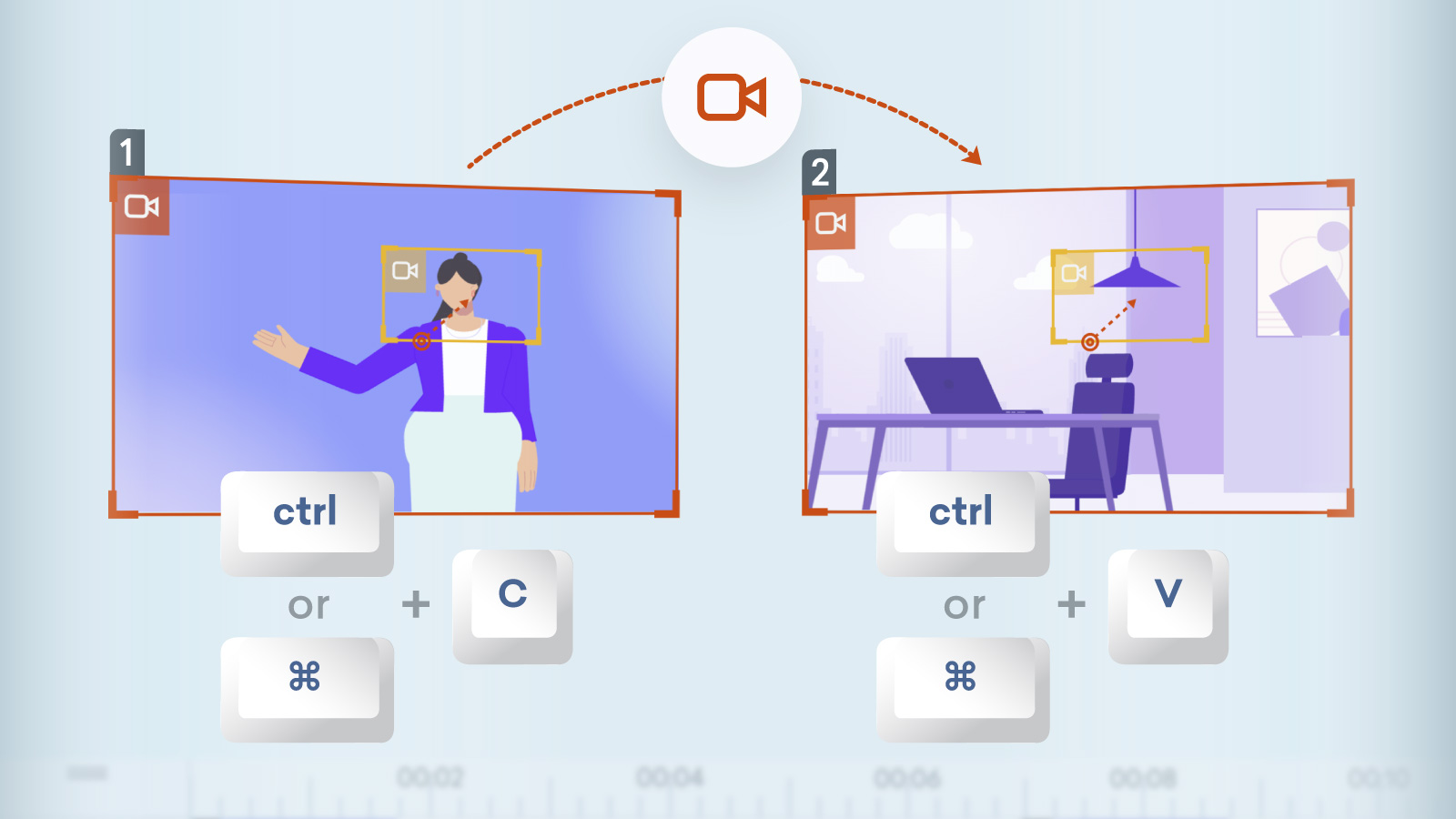
Save time and effort with the ability to copy and paste camera settings in Vyond Studio, just as you might with a prop or character asset. Now you can smoothly duplicate camera movements between scenes, or set up the same camera in the next scene faster.
How it works
Open a video in Vyond Studio, apply camera settings.
On the top-left of the camera frame you’ll see the camera icon, right-click the icon.
Select Copy from the contextual menu.
In another scene, right-click to use Paste.
To learn about keyboard shortcuts, please see here.
That’s all for today, folks! Let us know your thoughts in the comments below. If you have any feedback for us, please share it in #Product feedback.
Enjoy!