July release 2nd edition: Generate video clips, bulk delete assets, find templates in Studio, plu...
Can’t believe we’re at the end of the month already! How did July go for you?
As promised, here is 2nd wave for this month’s product release. Let’s dive in ⬇️
Generate Video Clips with Start and End Frame
You can now use start and end frames to get even more precision in your video clip generation. To make it even easier to use we’ve made text-to-video-clip accessible in Vyond Studio alongside text-to-image generation; these two are now housed together in the content panel under the tab for Generate visuals.
Bulk Delete Assets
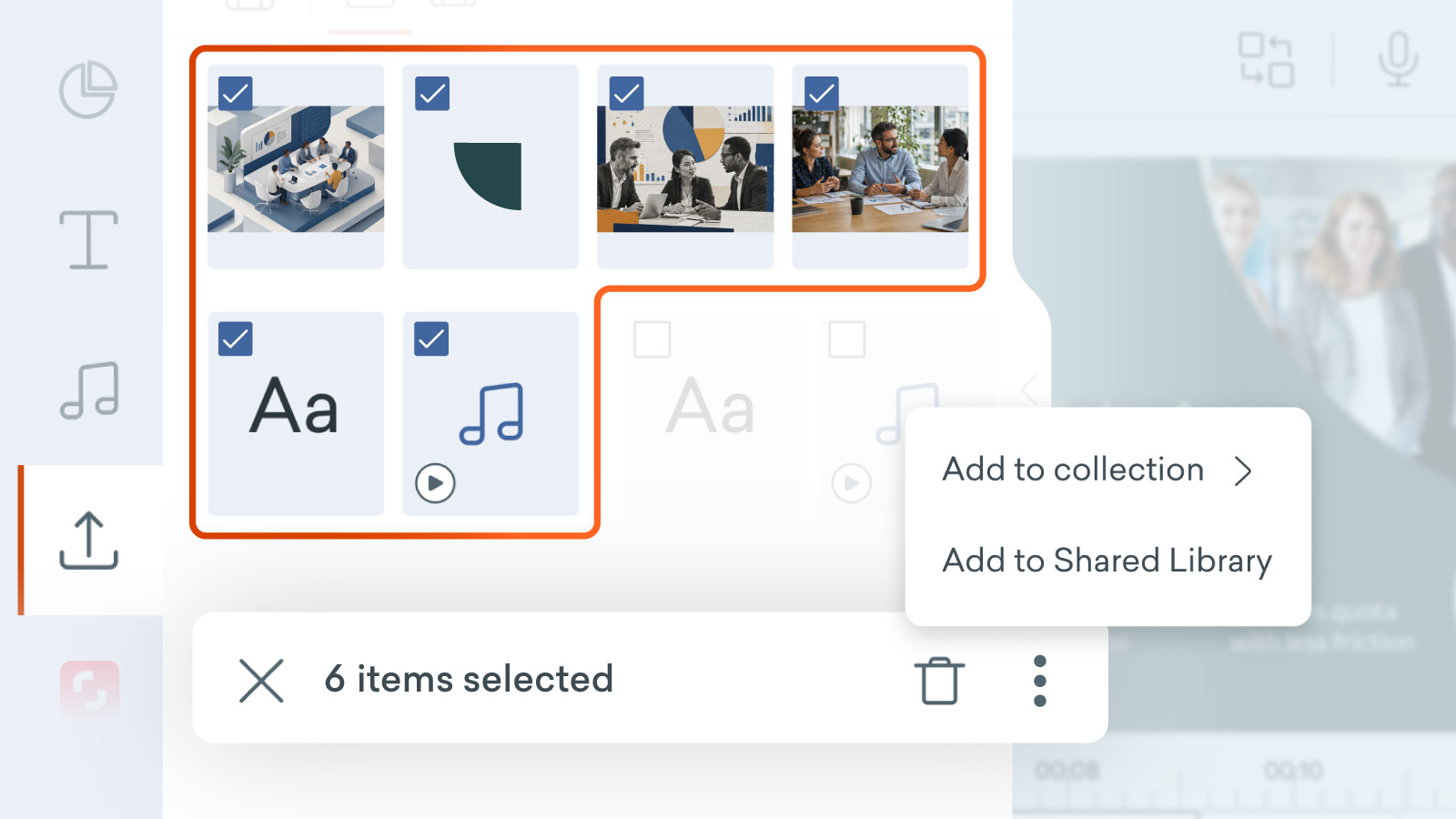
You can now perform bulk actions on your content in the library. Yes, you can add multiple items of content to Collections, a Shared Library and even delete them all at once in Vyond Studio!
Here’s what you can do
Bulk delete to quickly clean up outdated files
Bulk add to Collections to improve organization
Bulk add to Shared Library to make team collaboration more seamless
Find Templates in Vyond Studio
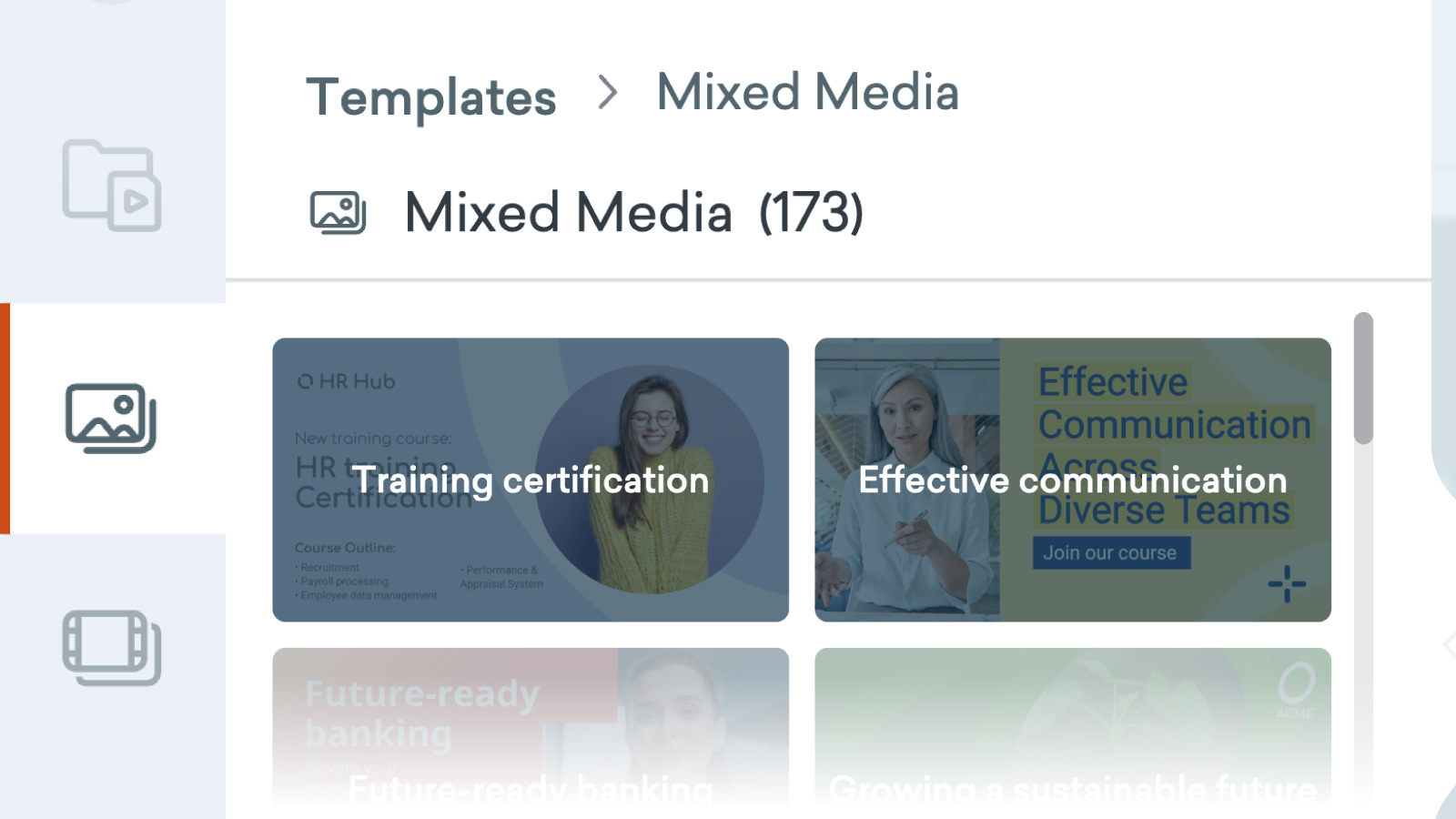
It’s now much easier to add scenes from our Template Library directly into your video from the content panel, with the introduction of a new Templates tab in the Vyond Studio content library panel.
How it works
In Vyond Studio, open the content panel on the left hand side.
Find templates in the Discover tab or the Templates tab.
Browse templates by selecting template category chips or searching.
Select a template to browse its scenes or assets.
Choose to Use all scenes to add them all to your video.
Or select one scene at a time to add it to your video.
Freja and More Voices

We’ve added new voices + made updates on 44 High Quality voices. See the full notes here.
That’s all for today, folks! Let us know your thoughts in the comments below. If you have any feedback for us, please share it in #Product feedback.
Enjoy!