July release 1st edition: a new text-to-image tool, optimized script replacement, UI improvements...
Happy July, folks! ☀️
Here is the first wave of this month’s release — the 2nd one is coming sooner than you think. Let’s dive in ⬇️
Reimagine and Refine Images with Nano Banana 2 in Vyond
Here’s what you can do
Generate images from scratch by describing them in detail.
Edit and enhance your uploaded images to tweak context, fix text, enhance lighting or adjust framing.
Replace inconsistent backgrounds, match visual styles or colors to align with your branding on images.
Target image fixes to remove unwanted elements, correct errors or finalize designs.
Storybook Kids Ready for Summer
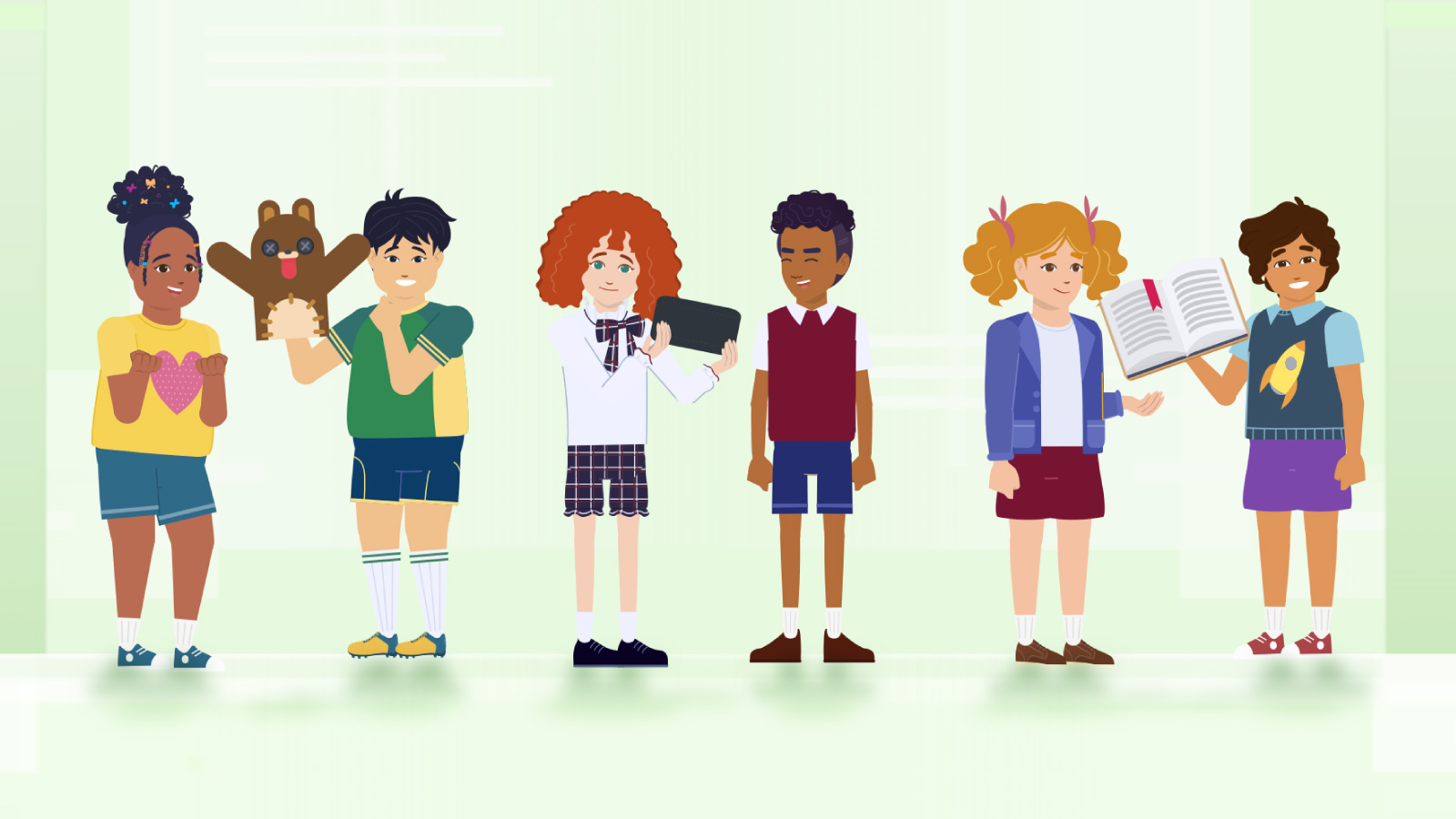
You can now create Kids characters in Storybook style, expanding your creative options to include a wider age-range of characters. Six kids characters have also been added as stock characters to the library that you can drag and drop into your scenes.
Esko and More Voices
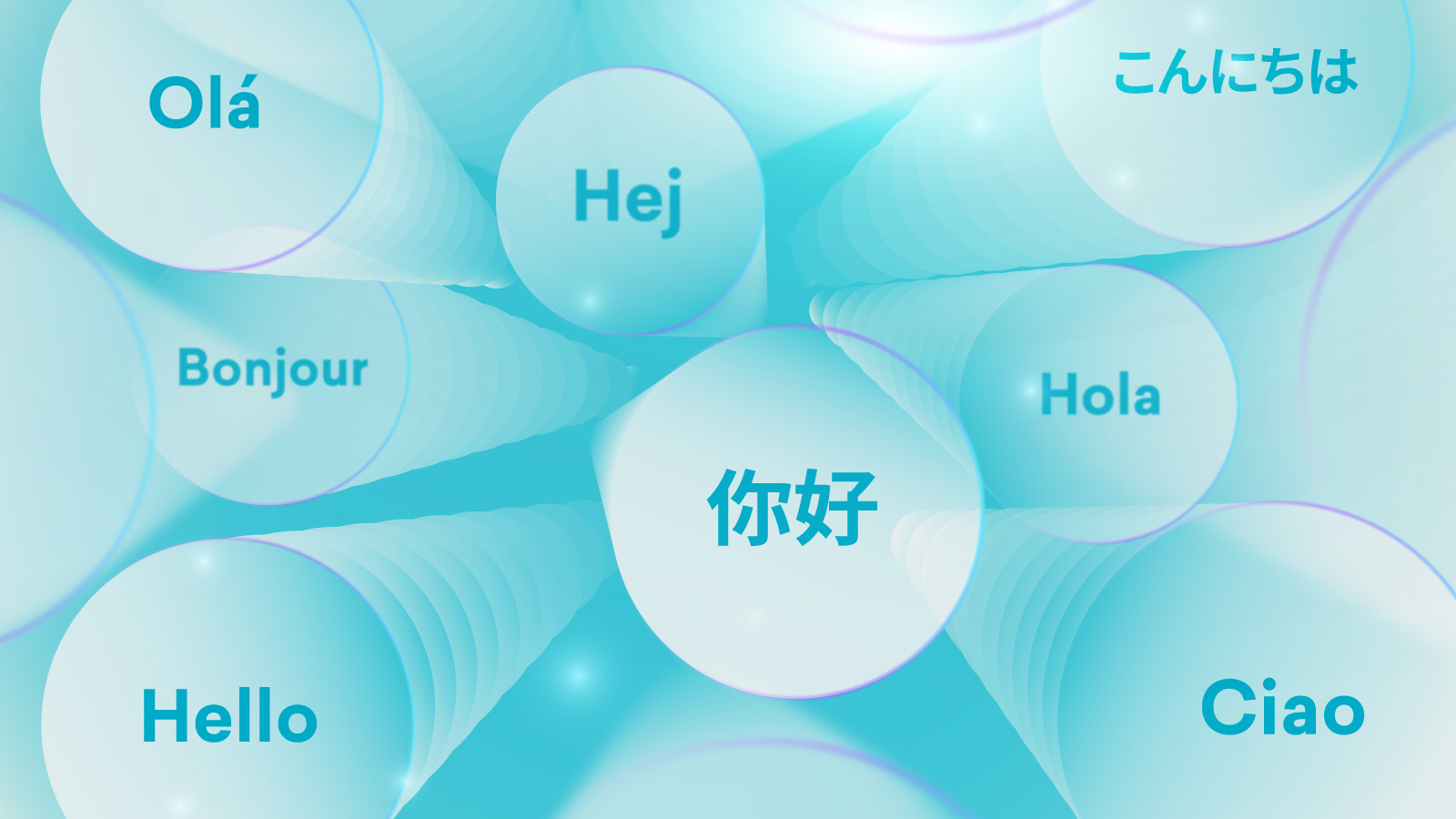
Female – Aanya
Female – Chloé
Female – Kaisa
Female – Layla
Female – Nadia B
Female – Shana
Female – Sini
Male – Aapo
Male – Andi
Male – Amit
Male – Bambang
Male – Esko
Male – Lucas
Male – Matias
Male – Omar
Male – Rahul
Male – Tariq B
Optimized Script Replacement
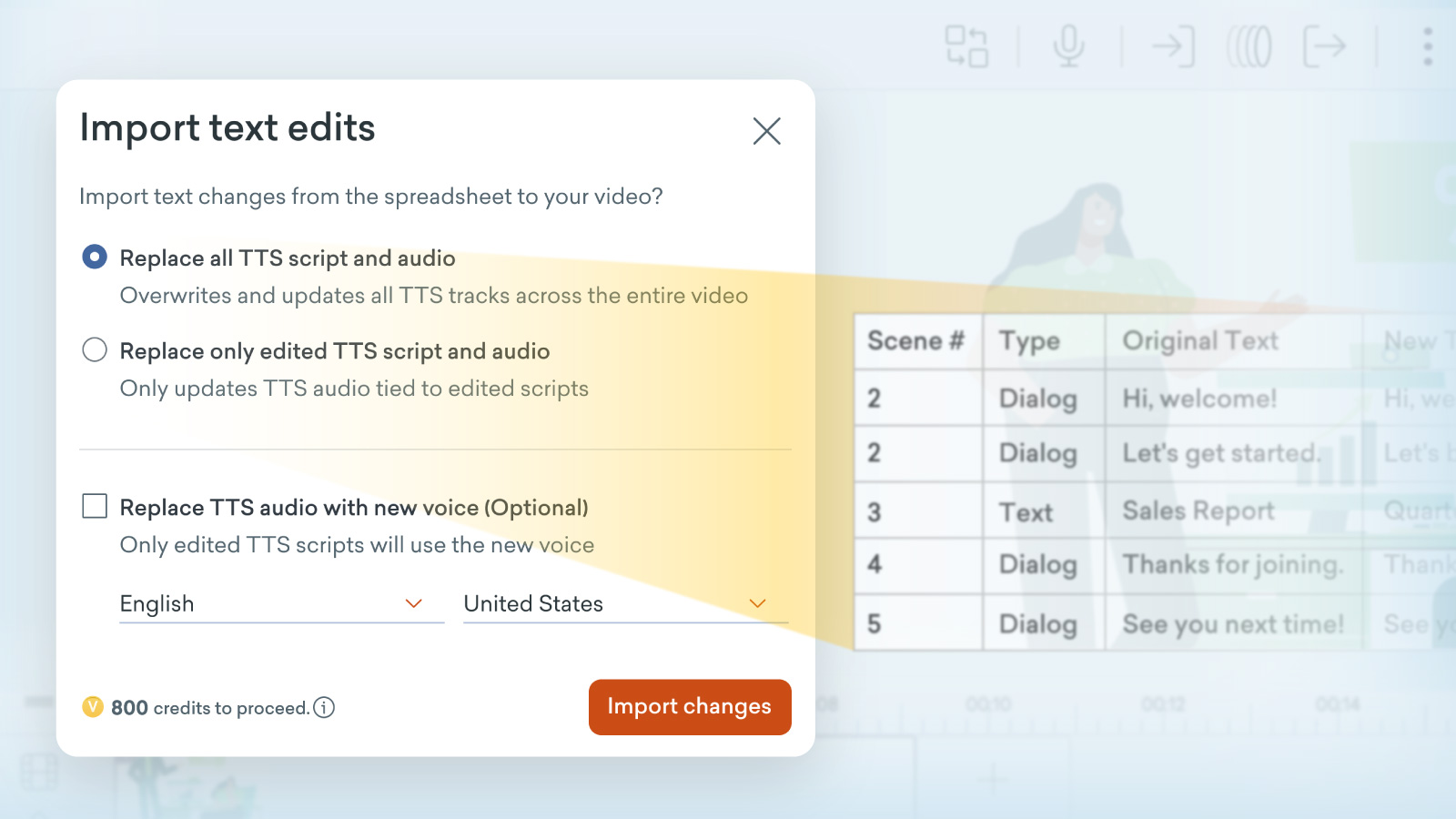
Now, when you’re importing text into Vyond Studio you can choose between regenerating all or only the revised sections of text-to-speech.
Replace all TTS script and audio
This option will overwrite and update all the text-to-speech across the entire video. You may want to use this to ensure consistent audio throughout the video, particularly if you are updating a video from a long time ago.
Replace only edited TTS script and audio
This option only updates the parts of the text-to-speech that changed in your imported and edited script.You may prefer to use this to refresh only the sections you’ve revised, for a quicker efficient update.
Smoother, Accessible UI
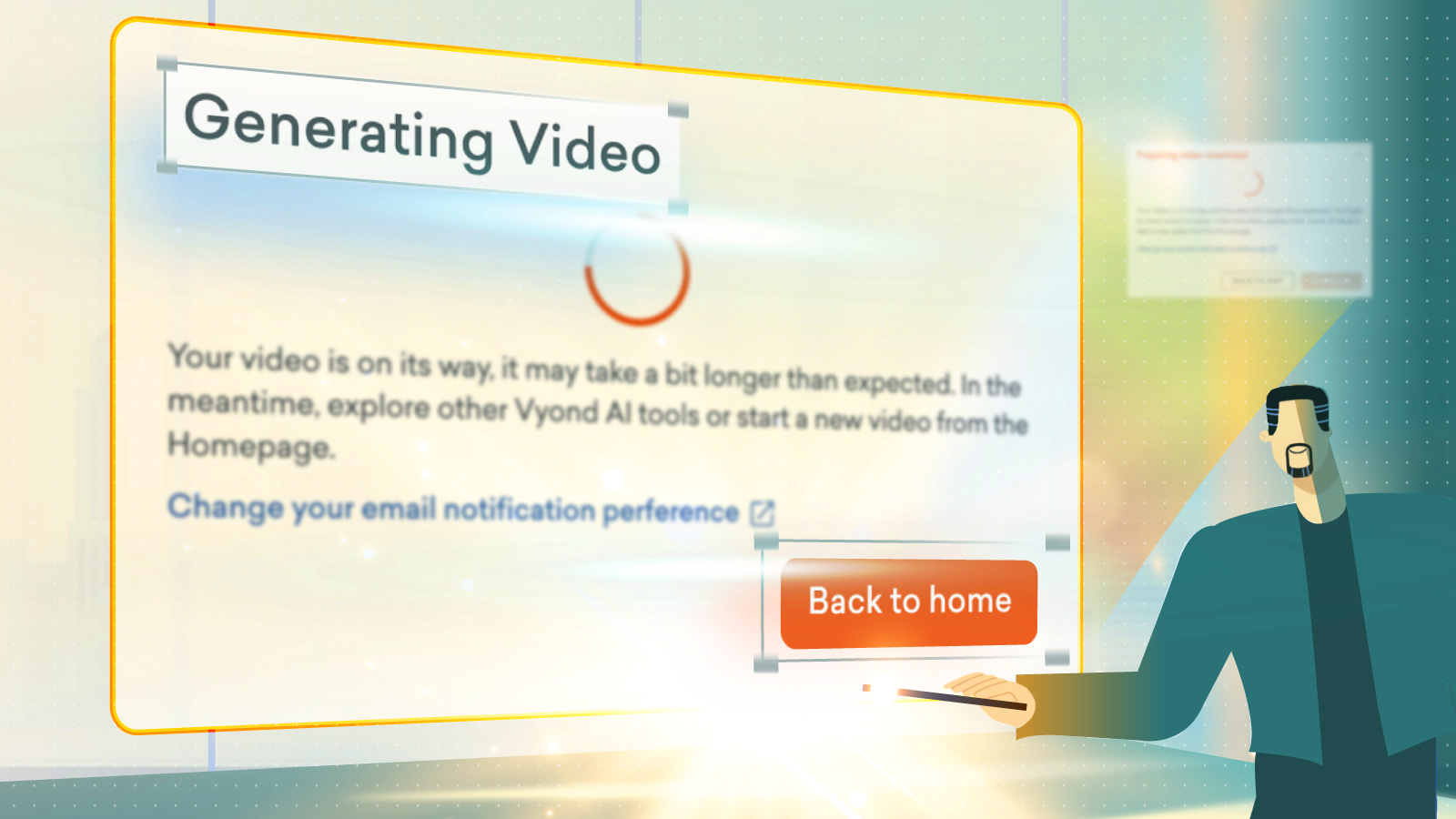
Here’s what’s new
Visual alignment means the dialog boxes now have similar widths, the titles are clearer, and buttons are no longer in all caps, to make things easier to read.
Responsiveness updates implemented, so that dialog boxes adapt more easily across different browser and screen sizes, for a smoother experience across devices.
Keyboard access, so now you can use your keyboard to close dialog boxes.
That’s all for today, folks! Let us know your thoughts in the comments below. If you have any feedback for us, please share it in #Product feedback.
Enjoy!