Creating custom Vyond assets: Tips and insights for animated projects
Hi everyone! I’ve been around the Vyond universe for some time and wanted to share my insights on creating custom assets for your Vyond projects. This is something I don’t see often enough when I come across Vyond content, and I thought I might be able to help others break the barrier and venture into this aspect of content development within Vyond.
Vyond’s asset library is vast and extremely helpful for those of us who may just be starting out in the world of animated development. It offers a very low barrier to entry for newcomers and an expedited route for those who need something now.
But I’m sure a lot of us have found ourselves in situations where we needed something oddly specific, and Vyond just didn’t provide it.
In my case, I was building a new intro for my videos that would indicate to users that the content uses ‘gamification’.
I knew I wanted to include something related to video games, but realized that Vyond just didn’t have what I wanted. So, I decided to build assets with basic shapes and other existing items from the library.
My first iteration was this monstrosity:
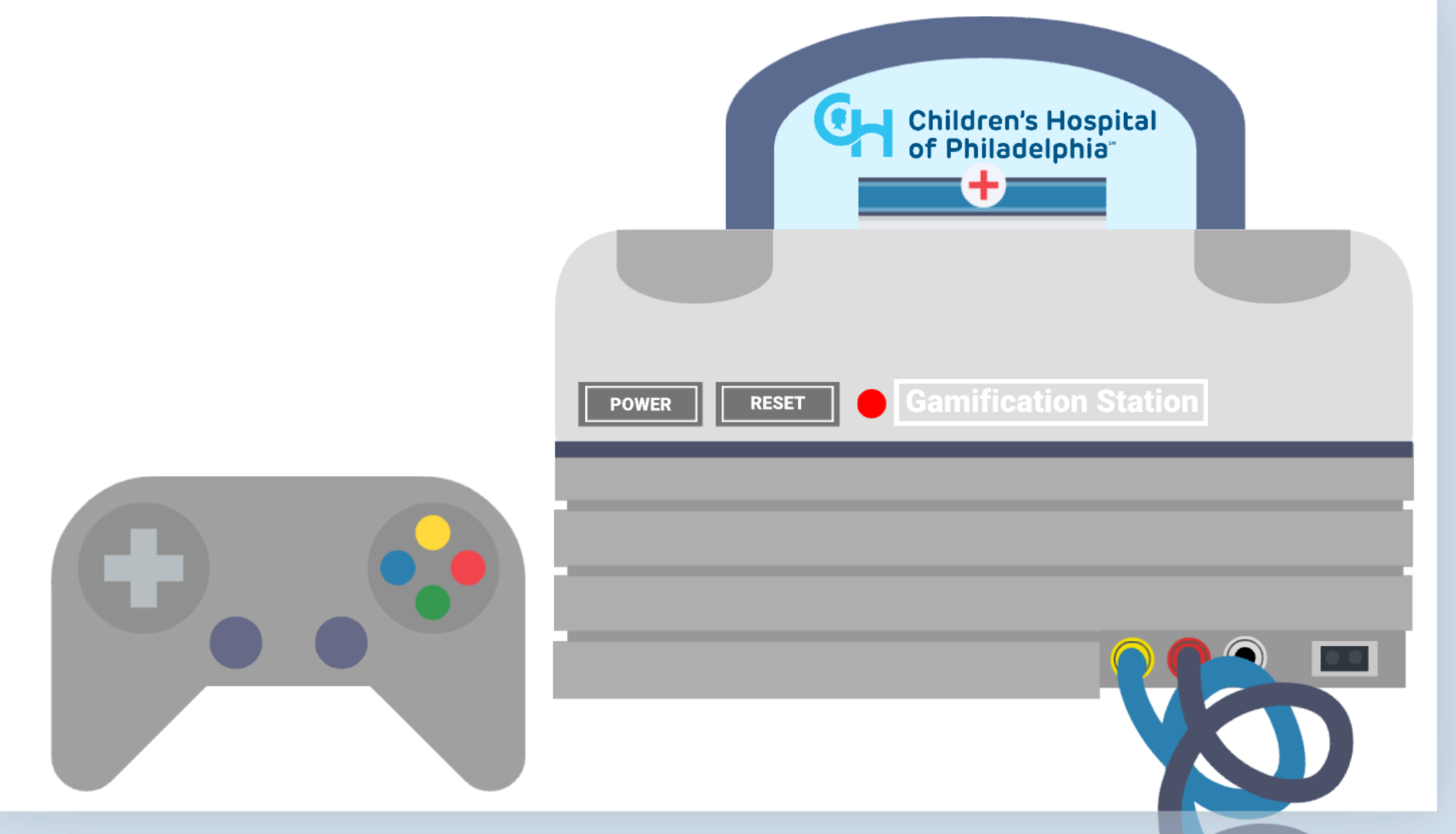
The idea was to build a video game console and then figure out the rest. But it just didn’t work for me. It was simple enough to make, but it lacked complexity.
This was just a series of shapes grouped together to make the image you see above.
I decided to move to my second idea, an arcade machine. I remember very fondly people standing around machines, quarters lined up to indicate their turn, cheering on each other as the points went up.
But I hit the same problem. No arcade machine. So, again, I made one out of basic shapes.
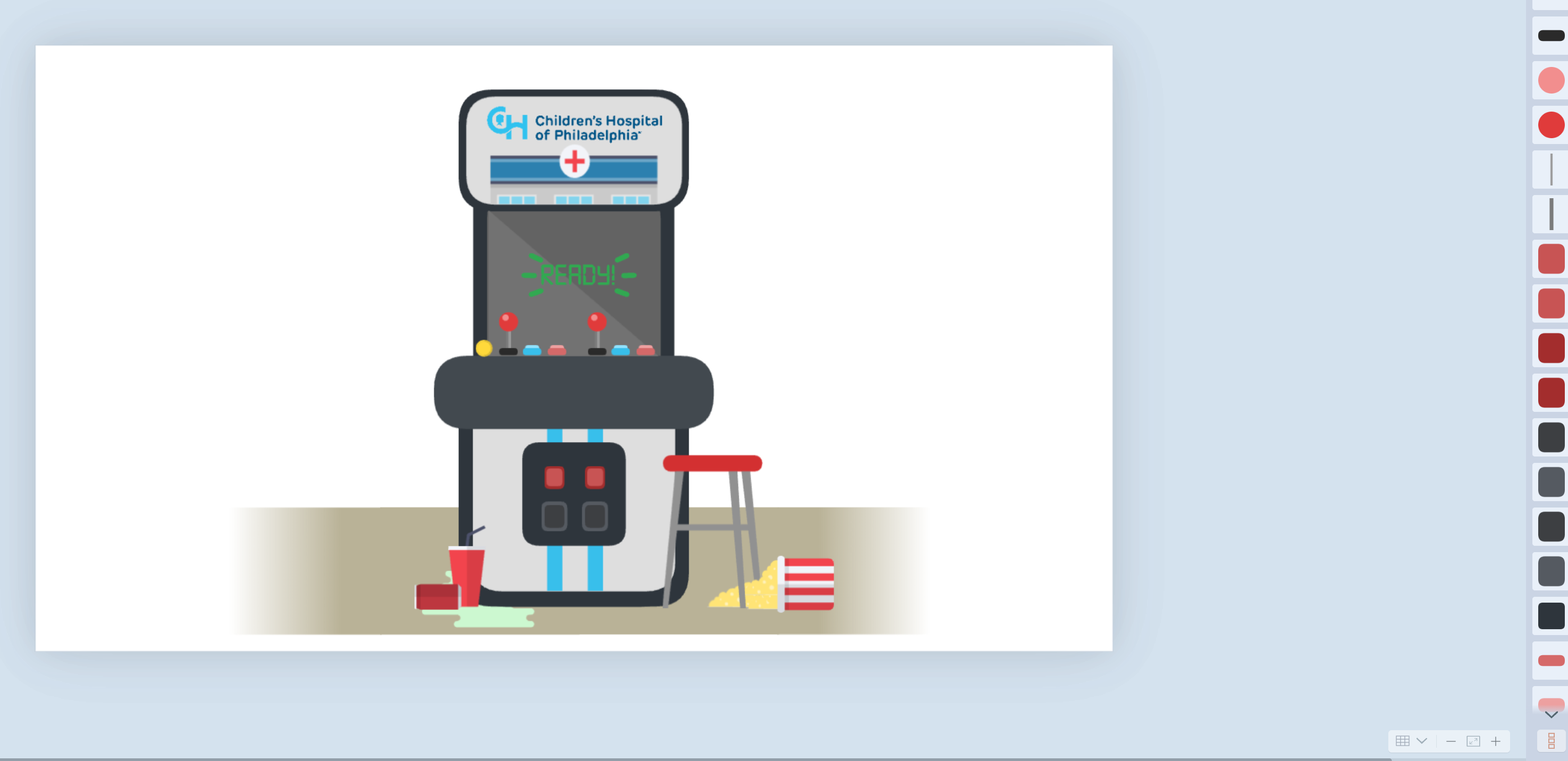
It was a time-consuming process, but it was worth it in the end as I got exactly what I wanted. But now I need to build out the narrative with animation.
Here’s the finished product:
https://app.vyond.com/videos/3409e2e5-8f0f-4bb2-a431-55edea5544de
I used several tricks to achieve the coin flip, including simply placing the same animation asset at different starting points on the stage.
Then round it out with some small details like the people and the coin on the machine. Add some arcade-style music, and poof, a video!
Whether people realize it or not, you can do a whole lot more with Vyond’s library by just organizing them on the screen and making them look pretty. If you shift your focus enough, you can start to see how these things are built and then begin building them yourself.
Something I recommend everyone should do is keep a ‘scratch’ file to test out all of your ideas. I keep a Vyond file to figure out my concepts and then just save the scene and bring it into my actual project.
This is what mine currently looks like:
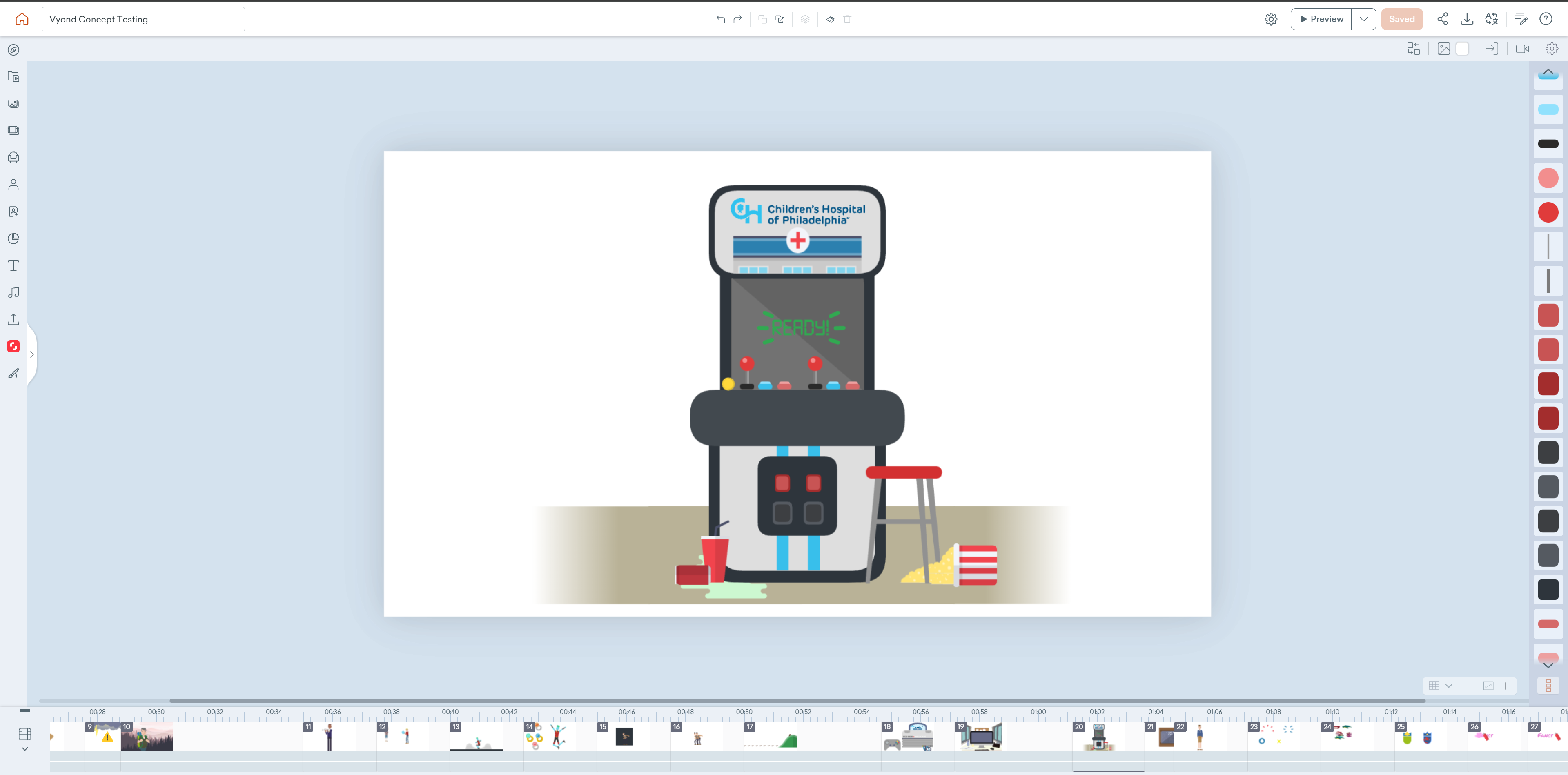
A new scene for every idea I have. This allows me to kitbash, create new assets, and work out animation concepts for all my projects.
Hopefully, some of you find this insightful. And just keep plugging away. Vyond is capable of much more than you might think.